On October 21, 2026, PHP issued a security advisory announcing two critical vulnerabilities that could allow attackers to execute code on vulnerable servers without logging in.
The vulnerabilities are tracked as CVE-2026-109618 and CVE-2026-109619. You can read more about them in the official PHP security advisory.
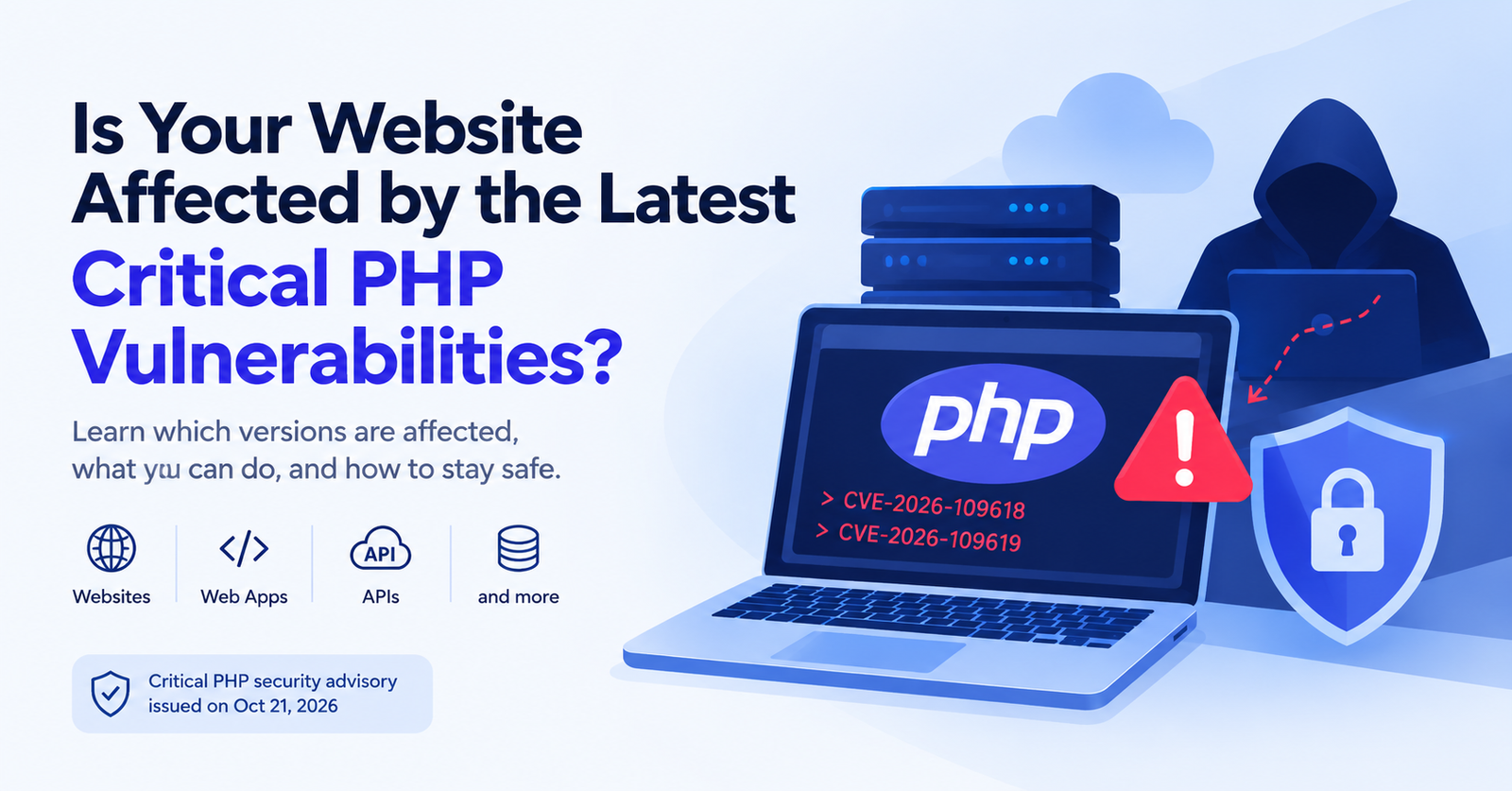
Is Your Website or API Affected?
PHP is widely used to build websites, web applications, APIs, and backend services.
According to W3Techs, PHP powers 69.7% of websites whose server-side programming language is known. WordPress alone is used by 58.4% of websites whose content management system is known, according to W3Techs' WordPress statistics.
These vulnerabilities affect the PHP runtime itself, rather than a specific website builder or content management system. If your website, WordPress installation, web application, or API runs an affected PHP version without the relevant security fixes, it could be at risk.
However, using PHP or WordPress does not automatically mean your website is vulnerable. The actual risk depends on the PHP version running on your server, whether the relevant security fixes have been applied, and your server configuration.
Check Your Website for PHP2Shell Vulnerabilities
Not sure whether your website may be affected by PHP2Shell (CVE-2026-109618 and CVE-2026-109619)? Use our PHP2Shell Vulnerability Checker to perform a safe, non-exploit check using your website's publicly accessible HTTP response headers.
The checker looks for a disclosed PHP version and compares it with known upstream fixed-version information. It does not send exploit payloads or attempt to execute commands on the target server.
The result indicates whether the website may be running an affected PHP version, whether no vulnerability was detected based on the available version information, or whether the result is inconclusive.
Check Your Website for PHP2Shell →
Important: A remote URL check cannot definitively determine whether a server is vulnerable or fully patched. PHP versions may be hidden, and hosting providers may apply security fixes to older PHP versions without changing the reported version number. For a reliable assessment, verify the actual PHP runtime and security patch status with your hosting provider or server administrator.
Which PHP Versions Are Affected?
Security fixes are available in the following PHP releases:
- PHP 8.5: 8.5.12
- PHP 8.4: 8.4.27
- PHP 8.3: 8.3.36
- PHP 8.2: 8.2.35
If you are using an older PHP version, check your operating system or hosting provider's security advisory to determine whether the relevant fixes have been applied.
What Can You Do to Fix It?
If you manage your own server, upgrade to a supported PHP version and install the appropriate security updates.
If you use shared hosting, you may not have permission to update PHP or install patches yourself. Contact your hosting provider and ask whether the security fixes have been applied.
If you manage a VPS or dedicated server, check which PHP version your website actually uses and apply the relevant security update.
What If You Use Shared Hosting?
Your hosting provider is generally responsible for maintaining the server's PHP environment. Contact them to confirm that the fixes for both vulnerabilities have been applied.
If your provider has not applied the fixes, ask when they will be available and whether they can move your website to a patched PHP environment.
Is Your WordPress Site Affected?
There are two common ways to host a WordPress website: WordPress.com hosting and self-hosted WordPress.
WordPress.com Hosted Sites
If your website is hosted on WordPress.com, check the platform's security announcement for the status of these vulnerabilities. Managed hosting providers maintain the underlying PHP environment for their customers.
Self-Hosted WordPress Sites
If you installed WordPress on your own hosting account or server, you need to verify the PHP environment yourself or with your hosting provider.
- Shared hosting: Contact your hosting provider to confirm that PHP has been patched.
- VPS or dedicated server: Apply the appropriate PHP security update yourself or through your server administrator.
Updating WordPress itself or installing a security plugin does not fix a vulnerability in the PHP runtime. Make sure the PHP installation running your website has been secured.
How to Check Your PHP Version
If you have SSH access to your server, run the following command:
php -vThis displays the PHP version used by the command line. Your website may use a different version through PHP-FPM or Apache, so verify the version serving your website as well.
If you use shared hosting, check the PHP version in your hosting control panel or contact your hosting provider.
Conclusion
These vulnerabilities highlight the importance of keeping your server software up to date. If your website, web application, or API runs PHP, check your PHP version and confirm that the relevant security fixes have been applied.
For the latest information, refer to the official PHP security advisory and your hosting provider's security updates.